
Trendyol Product API V1 Is Shutting Down: A 15 September 2026 Checklist
Trendyol Product V1 services go out of use on 15 September 2026. Which endpoints close, what changed in V2, and how to plan the migration.
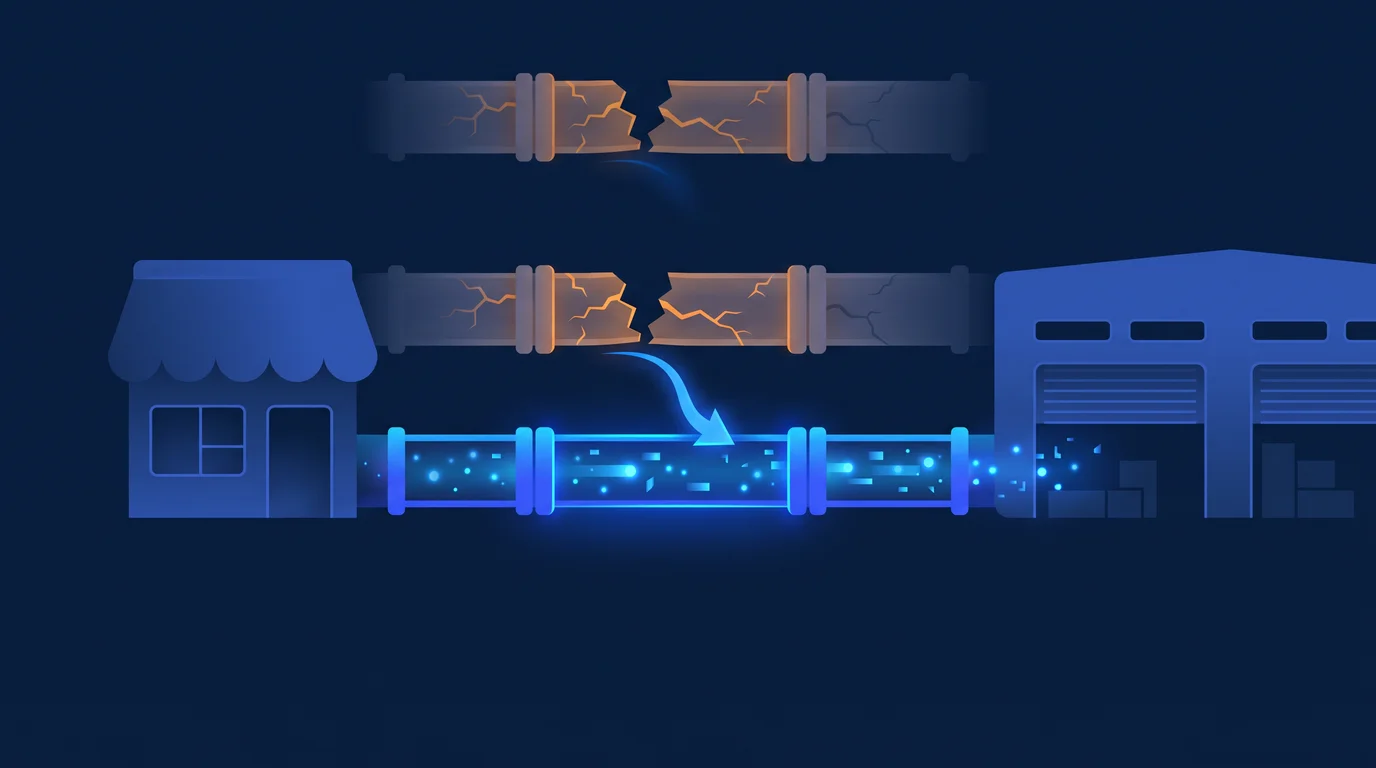
2026-08-11Trendyol’s official developer documentation announces that the Product V1 endpoint services will be out of use as of 15 September 2026. That means every seller panel, every ERP connection, and every custom integration that pushes and updates products over V1 stops working on that date. This post answers, in order, the question “does this affect me, and if so what do I do?”
What Exactly Is Closing?
The V1 table in the documentation lists 11 services: seller addresses, cargo provider list, brand list, category list, category attribute list, product creation, product update, price and inventory update, product deletion, batch request check, and product filtering.
There is one detail worth noting here. Some of those 11 services appear in the V2 table with an identical address — the brand list, category list, price and inventory update, product deletion, and batch request check among them. For those endpoints the two tables in the documentation point to the same URL, so do not assume either way whether they really close: ask Trendyol’s integration team.
Four services, on the other hand, have an explicitly changed address. These are the ones that certainly have to move:
| Operation | V1 (closing) | V2 (new) |
|---|---|---|
| Product creation | POST /integration/product/sellers/{sellerId}/products |
POST /integration/product/sellers/{sellerId}/v2/products |
| Product update | PUT /integration/product/sellers/{sellerId}/products |
Split into four (below) |
| Category attributes | GET /integration/product/product-categories/{categoryId}/attributes |
GET /integration/product/categories/{categoryId}/attributes |
| Product filtering | GET /integration/product/sellers/{sellerId}/products |
Split into three (below) |
All of them sit under the https://apigw.trendyol.com domain; the test environment is https://stageapigw.trendyol.com.
Does It Affect You? A 10-Minute Check
You may not remember who wrote the integration. That is fine — it is faster to look for the answer in the outgoing requests than in the code:
- Search your server logs for outgoing requests containing
trendyol. Scan the last 30 days of access or application logs. What you want is a list of URLs. - Look for these three patterns. If the request path does not contain
/v2/productsbut has a plain/sellers/{id}/products: V1. If you update products withPUT: V1. If you callproduct-categories/{id}/attributes: V1. - If you use an off-the-shelf integration (a marketplace integrator, your e-commerce platform’s Trendyol module, an ERP plugin), ask the vendor one question: “Have you moved the product services to V2, and what is your migration date?” Ask for it in writing.
- If you keep no logs at all, run the screen in your panel that sends products to Trendyol once and capture the outgoing request. A single request tells you which version you are on.
If your integration only pulls orders from Trendyol and you enter products into the panel by hand, this shutdown does not affect you directly. Even so, since the V1 list also includes the seller addresses and cargo provider services, it is worth checking once whether your shipping or label flow relies on them.
Here is the critical point: order services are not in this scope. Orders will keep flowing and everything will look normal in your panel. Because the broken side is product creation and updates, the failure often goes unnoticed for days, sometimes weeks. Meanwhile stock does not decrease for items that sold, so your inventory count stays above reality; the risk of overselling, cancellations, and penalty points builds up. If it lands right before a season or a campaign, it is direct lost revenue.
What Changed in V2?
This is not a rename but a version change; the data structure and the flow differ too.
Category and attribute structure. The address is now categories/{id}/attributes instead of product-categories/{id}/attributes. In V2 you also fetch the possible values of an attribute from a separate endpoint: GET /integration/product/categories/{categoryId}/attributes/{attributeId}/values. You can send attribute values either with the standard attributeValueId or, where the category permits it, with a free-text customAttributeValue.
Updates split into four. In V1 a single PUT did everything. In V2 there are separate endpoints depending on what you are updating, all of them POST:
- Unapproved product:
/products/unapproved-bulk-update - Approved product content:
/products/content-bulk-update - Approved product variant:
/products/variant-bulk-update - Approved product delivery info:
/products/delivery-info-bulk-update
This requires your integration to distinguish “what changed”: price, image, or variant? Code that used to send everything in one package has to be split.
Filtering split into three. Instead of a single listing endpoint there is /product/{barcode} for a single product, /products/unapproved for unapproved products, and /products/approved for approved ones. There is also a new /products/approved/inventory-and-price endpoint that fetches stock and price separately.
The batch flow follows the same logic. Product submission is still asynchronous: you send up to 1,000 items per request, you get a batchRequestId back, and you query the outcome with GET /integration/product/sellers/{sellerId}/products/batch-requests/{batchRequestId}. So “it returned 200, the product went through” is not true; you have to read the batch result separately. Code that skips this check is fairly common in V1 — one of the things to fix during migration.
The Migration Plan
The order matters, because each step produces the input for the next one.
- Take inventory. List every call that goes to Trendyol: which file, which URL, which method. Do not estimate effort before you see how many places call it.
- Start in the stage environment. Exercise the V2 endpoints one by one on
stageapigw.trendyol.com. First category and attribute fetching, then submitting a single product. - Re-verify your category mapping. Because the attribute list endpoint changed, build your products’ category-attribute mapping from data returned by the new endpoint, not from saved old output.
- Split the update code. Distribute the single
PUTacross the fourPOSTendpoints; make it explicit which one is called when which field changes. - Make the batch result check mandatory. Log failed items and make them visible.
- Set up an alert. A rule like “tell me if no successful product or stock update has reached Trendyol in the last 6 hours” catches this kind of silent failure in hours rather than days. We use the same logic in the marketplace review and question flow.
- Go live, but do not delete the V1 code yet. Stay in a position to roll back until the shutdown date.
The Timeline
Today is 11 August 2026; there are roughly five weeks until the shutdown. A realistic calendar looks like this:
- This week: Inventory and impact assessment. If you use an off-the-shelf integration, get a written date from the vendor.
- By the end of August: All V2 endpoints working in stage.
- 1–7 September: Gradual cutover in production, with monitoring.
- 8–15 September: Buffer. Do not leave a migration that overlaps a campaign period to the last day.
If you can see now that you will not make it to V2 by mid-September, knowing that today is not the worst news; the worst is finding out on the morning of 15 September.
Who Will Do It?
The work needs someone who can read the existing code and work out which call goes where, and who can set up the asynchronous batch flow correctly. If you have that resource in-house, the plan above is enough. If not, bringing in outside help five weeks before the shutdown date is a reasonable choice.
If you would like to talk through the V2 migration for your Trendyol and other marketplace connections, you can look at what we do on the API development and integration side and reach us via our contact page.
Related Services
Connect accounting, e-invoice, payment and stock data into an automated, traceable and reliable operational flow.
API Development & IntegrationConnect your systems with RESTful and GraphQL API development, secure webhook infrastructure and reliable third-party integrations.
Automation & Workflow AutomationAutomate repetitive workflows with ERP integrations, scheduled tasks and data flows that run reliably across business systems.
Browser Extension DevelopmentBuild custom browser extensions for Chrome, Firefox and Edge that automate workflows, collect data and integrate with internal systems.