
Services
Interactive Tools: Calculator & Quiz
Increase lead generation, user engagement and conversion rates with calculators, quizzes and multi-step interactive forms on your site.
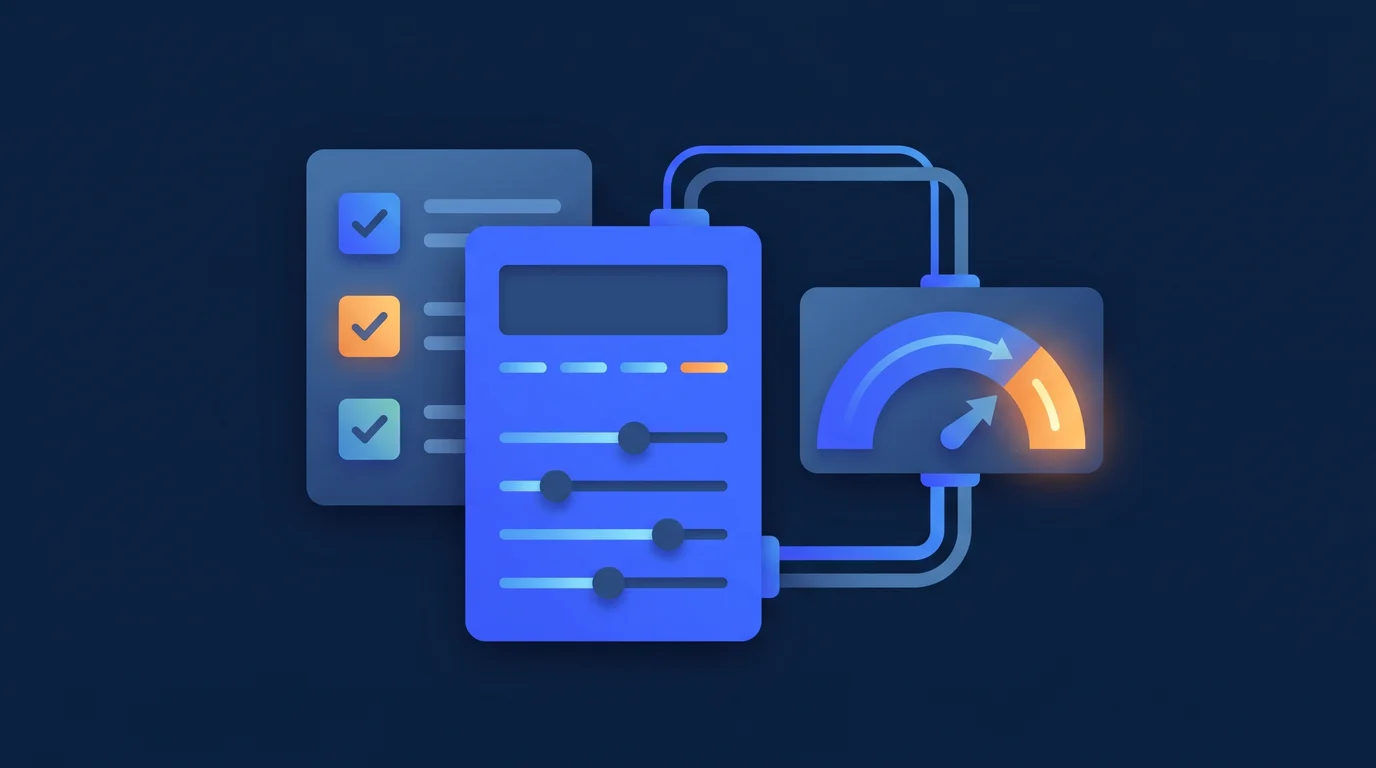
When visitors come to your website, they are usually looking for answers to their own questions: “How much will this service cost me?”, “Which package is right for my business?”, “How much will I save with this solution?” Static content falls short of answering these questions; the visitor closes the page before finding an answer. A well-designed interactive tool, on the other hand, answers that question instantly and guides the user toward a lead form.
Our Solution Approach
The interactive tools we develop serve two purposes simultaneously: delivering genuine, tangible value to the visitor and converting that interaction into prospective customer data. Before tool design begins, we clarify what question it answers, what action the user will be guided toward, and which system the data will be transferred to. Tools developed in React.js can function both as standalone pages and as embedded widgets on your existing site.
Scope & Features
- Price and cost calculators — Service fee estimates, ROI calculations, savings analyses; when visitors see the numbers, they move closer to a purchase decision
- Product or service selection guides — Step-by-step flows that recommend the most suitable product or package based on the user’s answers
- Quiz and maturity assessment tools — Needs analysis, readiness scores, industry benchmarks; a powerful tool for B2B customer qualification
- Multi-step forms — Improving completion rates by breaking long forms into small steps; only relevant questions are shown at each step
- Conditional logic flows — Different questions or outcome paths based on each answer; personalized experience, not a one-size-fits-all form
- CRM and email integration — The user’s results and lead data flow instantly to a CRM, email or custom follow-up system
- Embeddable widget — Can be added to your existing site with a single line of script; placed on any page without redevelopment
- Analytics and drop-off point tracking — At which step users leave, which results are most frequently reached; the tool is improved over time
Technical Standards
Tools developed in React.js run on TypeScript and a conditional logic engine. Mobile compatibility and touch interaction are planned from the outset. Tool performance is measured via analytics events, form completion rate, and lead conversion rate.
Who Is It For?
- Service sector firms that want to stand out through pricing transparency and have no objection to providing visitors with a budget estimate
- E-commerce and SaaS companies with large product catalogs that want to make it easier for visitors to find the right product
- B2B businesses that want to improve lead quality and protect their sales team from unqualified meetings
Expected Outcomes
- Increased average time spent on site; the tool keeps visitors engaged
- Higher quality leads are collected; users who interact with the tool reveal their purchase intent
- The pre-sales information-gathering process is shortened; the sales team goes into meetings already knowing the customer’s needs
- Automatic follow-up via email or CRM integration; leads from the tool are nurtured before they go cold
Frequently Asked Questions
Should we build a calculator or a quiz, what is the difference?
Calculators answer a numeric question such as a service fee estimate, ROI or savings analysis; once visitors see the numbers they move closer to a purchase decision. Quizzes and maturity assessments handle needs analysis, readiness scores and industry benchmarks, which works well for B2B customer qualification. Which one fits depends on the question you want the tool to answer.
Can we add the tool to our existing site, or does the site need to be rebuilt?
No rebuild is needed. The tools can run both as a standalone page and as an embeddable widget added to your existing site with a single line of script. That way they can be placed on any page without redevelopment.
Where does the lead data collected by the tool go?
The user's results and lead data flow instantly into your CRM, email system or your own follow-up system. Which system receives the data is clarified before tool design begins. This lets you follow up on the lead before it goes cold.
Can we see it when users abandon the tool halfway through?
Yes, we track at which step users leave and which results are reached most often. Splitting long forms into small steps and showing only the relevant questions at each step improves the completion rate. The tool is then refined over time using this data.
Clarify This Need
Share the current process, the system you use and the outcome you expect. We will turn it into a practical first scope.
Discuss the SolutionWhatsApp UsProjects Where We Used This Service
REST API-based dynamic QR code management platform with PHP Slim 4. PHPMailer integration, form management and tracking system.
Multi-Channel E-Commerce and ERP IntegrationA digital ecosystem that connects e-commerce, marketplace, ERP, inventory, product feed and iOS/Android mobile app flows through one data layer.
Senkora: Order and Integration Operations PanelAn operations interface that brings marketplace, e-commerce, accounting and shipping connections into one panel: order flow, invoice status, sync health.
YouTube Live Stream Game PlatformGame platform that makes YouTube live streams interactive. With YouTube Data API v3, Socket.io and OBS overlay support.